01 // RADIAL NAVIGATION
Point at the tab.
Go to the tab.
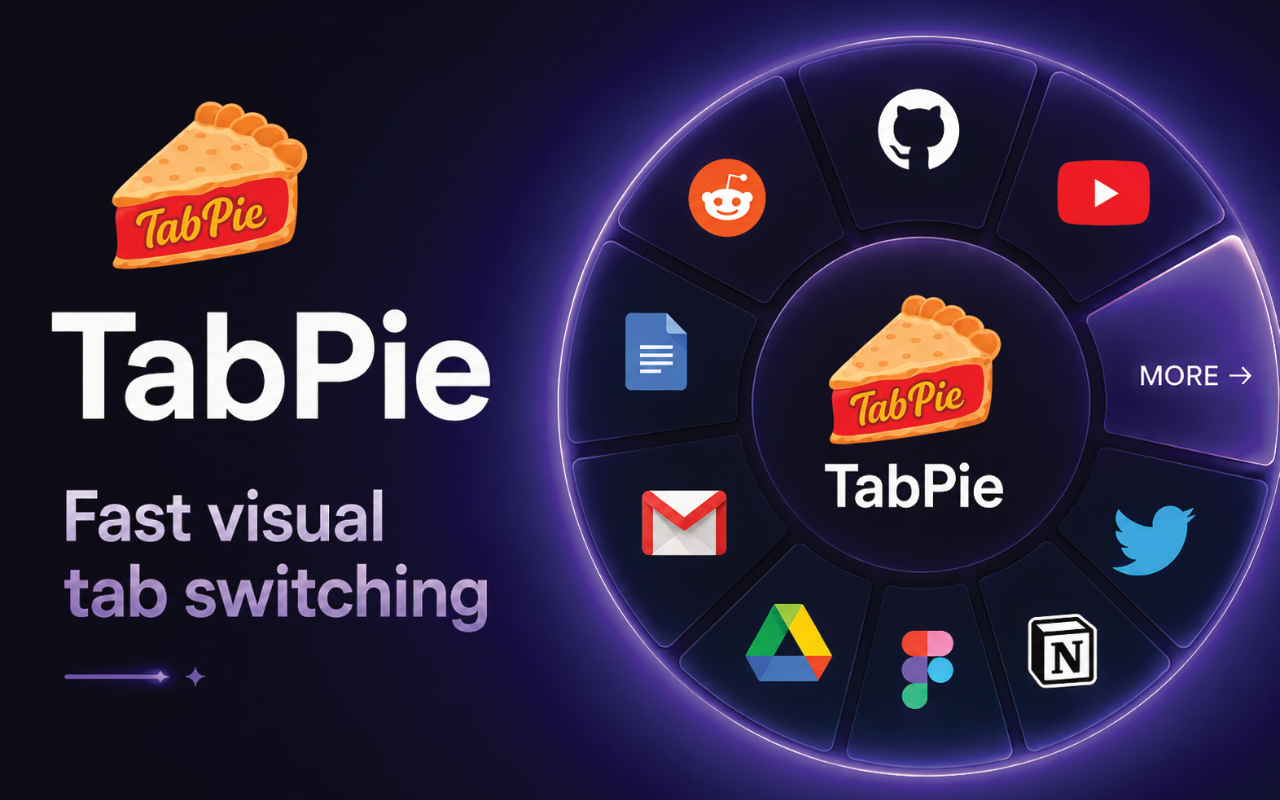
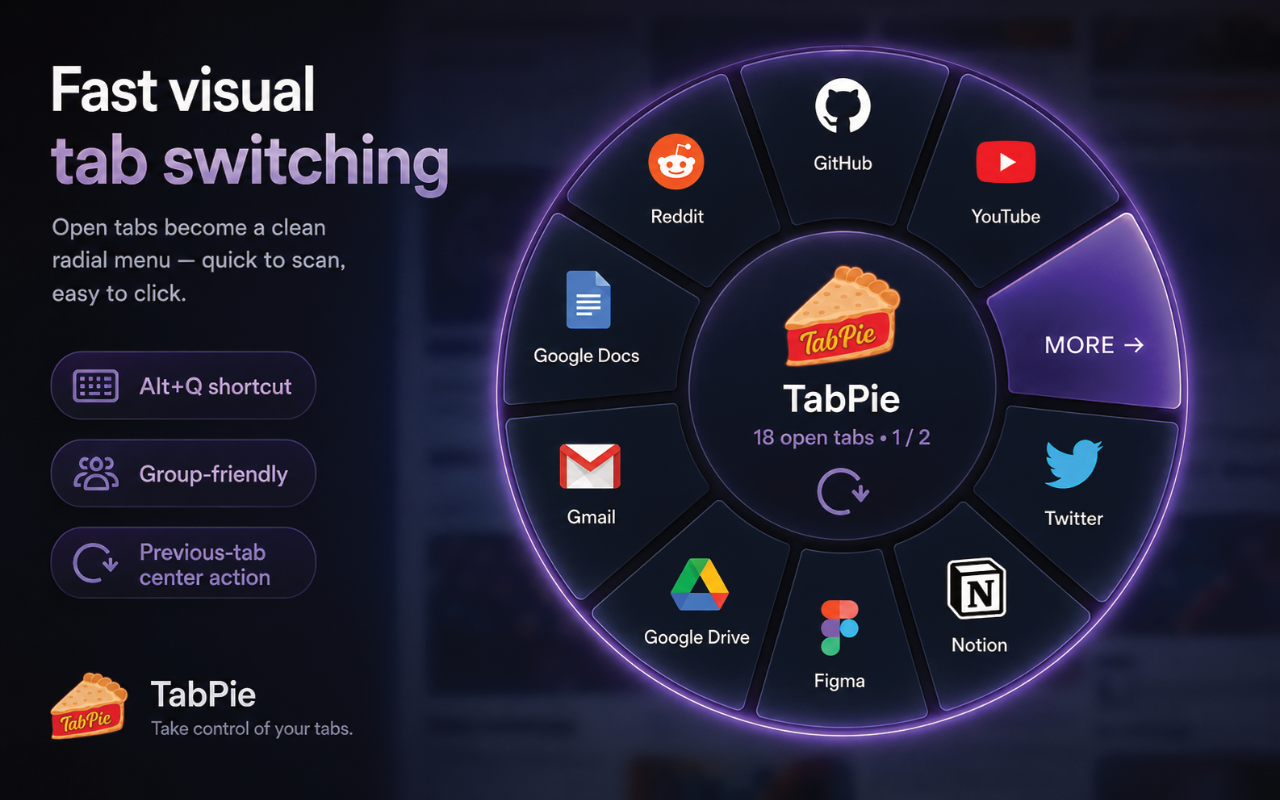
Open tabs become large visual wedges with favicons and labels instead of a row of tiny, nearly identical browser tabs.
TabPie turns a crowded Chrome window into a radial menu you can actually navigate. Tabs become slices, groups expand outward, and the tab strip can finally stop pretending it has everything under control.
Because tabs shouldn't require archaeology. The goal is simple: keep the speed of a shortcut while making a giant browser session visually understandable.
Instead of squeezing every open page into an increasingly microscopic strip, TabPie gives the current window a spatial layout with large targets, recognizable favicons, tab-group structure, and a quick way back to where you just were.
Open tabs become large visual wedges with favicons and labels instead of a row of tiny, nearly identical browser tabs.
Keep a group compact as one main wedge. Expand it only when needed and its tabs fan outward into a proportional outer ring.
The return control lives in the center of the wheel, because bouncing back to the previous tab should not require a scavenger hunt.
Hover over tabs and groups to get a clearer preview before switching. Useful when every page is named “Dashboard.”
More / Back paging and mouse-wheel navigation keep the wheel readable instead of shrinking each wedge into pizza-flavored confetti.
Click the toolbar icon or use Alt+Q. The current window appears as a centered radial interface.
Favicons, labels, active-state highlighting, and tab-group wedges give the session a spatial layout.
Open a group and its member tabs extend into an outer arc without squeezing the main wheel.
Click to switch, wheel through pages, use More / Back when sessions get ridiculous, or hit the center return control.
Press Escape or click empty space outside the wheel. No modal hostage situation required.
TabPie needs tab information to draw your navigation wheel. It does not need to turn your browsing session into an analytics project.
Tab titles, URLs, favicons, active state, and group information are used locally in the browser to render and operate the TabPie interface. The extension is designed without analytics, ads, behavioral tracking, profiling, or remote executable code.
Browsing information is processed in the browser rather than sent to a remote analytics service.
No behavioral tracking, advertising system, or sale of user browsing data is built into TabPie.
The extension's executable logic is packaged with the extension instead of being downloaded at runtime.
TabPie isn't here to judge how many tabs you have open. It's here to make the situation navigable enough that you can continue avoiding the obvious solution.